
You've got a website. It looks decent enough. Maybe you paid good money for it a few years back, or perhaps you had a go at building it yourself one Sunday afternoon.
But here's the thing , if your phone isn't ringing as much as it should be, your website might actually be part of the problem.
Running a business in Seaham, Murton, Peterlee, or anywhere in the SR7 area means you're probably relying on local customers finding you and getting in touch. And most of the time, that means a phone call.
So let's have a look at three dead simple signs that your website might be putting people off before they ever pick up the phone. No fancy talk, no trying to sell you anything , just a straightforward checklist you can run through in about five minutes.
Sign 1: Your Phone Number Isn't at the Top of the Page
This one sounds obvious, but you'd be surprised how many websites bury their contact details.
Think about it from a customer's point of view. Someone in Seaham needs a plumber, a roofer, a dog groomer , whatever it is you do. They've found your website on their phone while standing in their kitchen with a leaky tap. They want to call you now.
If they have to scroll down, click through to another page, or hunt around for your number, there's a good chance they'll just hit the back button and try someone else instead.
The fix is simple: Put your phone number right at the top of every page. On mobile, it should be one tap to call. No searching, no messing about.

Quick Checklist: Phone Number Visibility
- Is your phone number visible without scrolling on mobile?
- Can someone tap it to call you directly?
- Is it on every page, not just the contact page?
- Is the font big enough to read easily?
If you're ticking all those boxes, you're doing better than most. If not, that's your first job sorted.
Sign 2: Your Website Takes Forever to Load on a Phone
Here's a stat that might make you wince: if your website takes longer than about three seconds to load on mobile, roughly half of your visitors will leave before they even see what you do.
Half. Gone. Just like that.
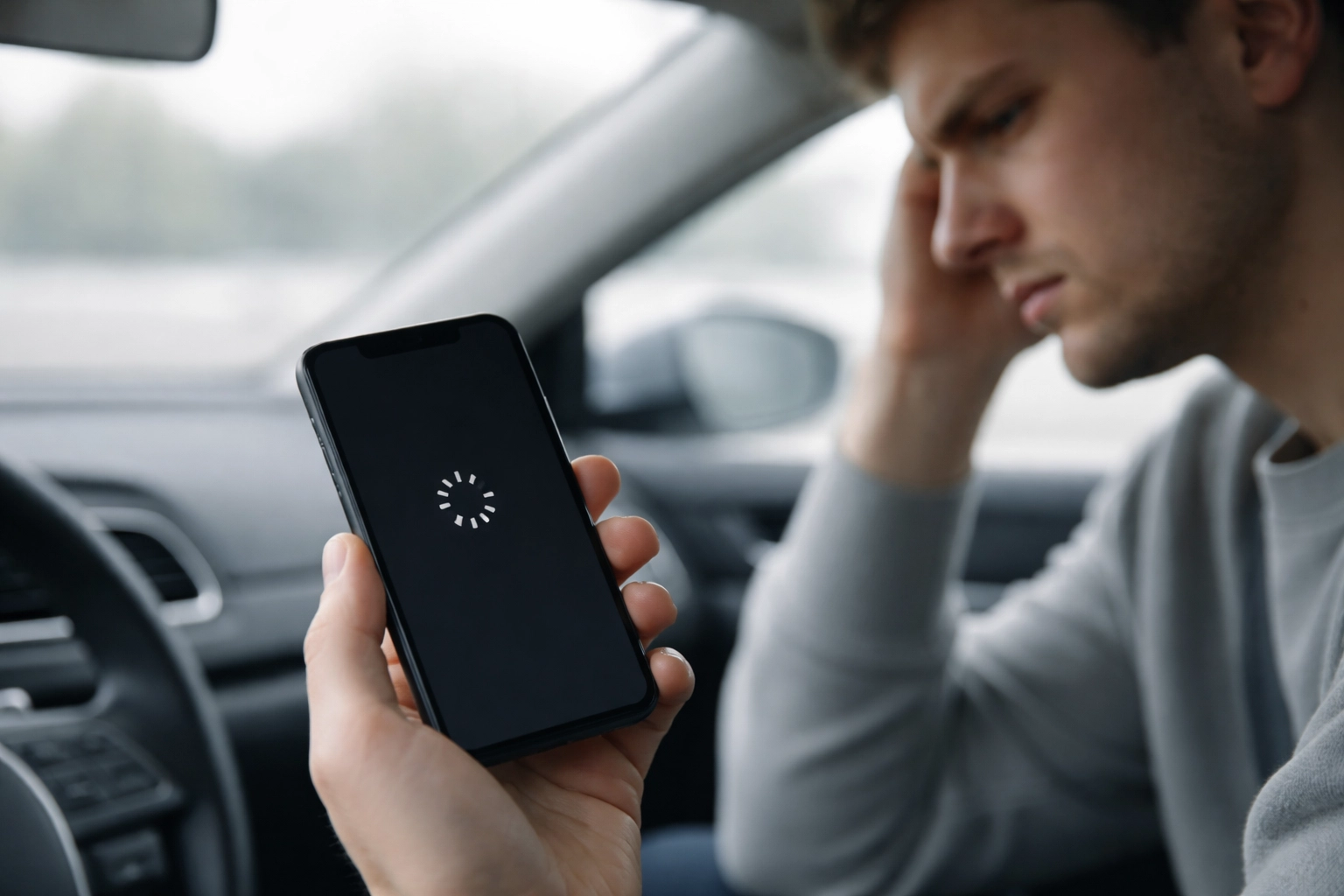
And let's be honest , most people in the North East are looking at your site on their phone. They're on the bus into Durham. They're on their break at work. They're sat in their car outside Asda in Peterlee. They're not waiting around for a slow website.
The tricky bit is that your site might load fine on your laptop at home with decent Wi-Fi, but out and about on mobile data? That's a different story.
How to check: Google has a free tool called PageSpeed Insights. Just type your website address in and it'll tell you how fast (or slow) your site loads on mobile. It even gives you a score out of 100.
If you're scoring below 50 on mobile, that's a red flag. Below 30? That's almost certainly costing you calls.
Common Reasons Websites Load Slowly
- Massive image files: That lovely photo of your van might be 5MB when it only needs to be 200KB.
- Too many fancy extras: Sliders, animations, pop-ups , they all add weight.
- Cheap hosting: If your website lives on a slow server, everything else suffers.
- Old website builders: Some platforms just aren't built for speed.
You don't need to understand all the technical stuff to fix this. Just knowing there's a problem is the first step.
Sign 3: It's Not Clear Where You Actually Work
This is a big one for local businesses, and it's something I see all the time.
Your website might say you're a "professional painter and decorator" or "experienced electrician" , but it doesn't actually say where. There's no mention of Seaham. Nothing about Murton. Peterlee doesn't get a look in.
Why does this matter? Two reasons.
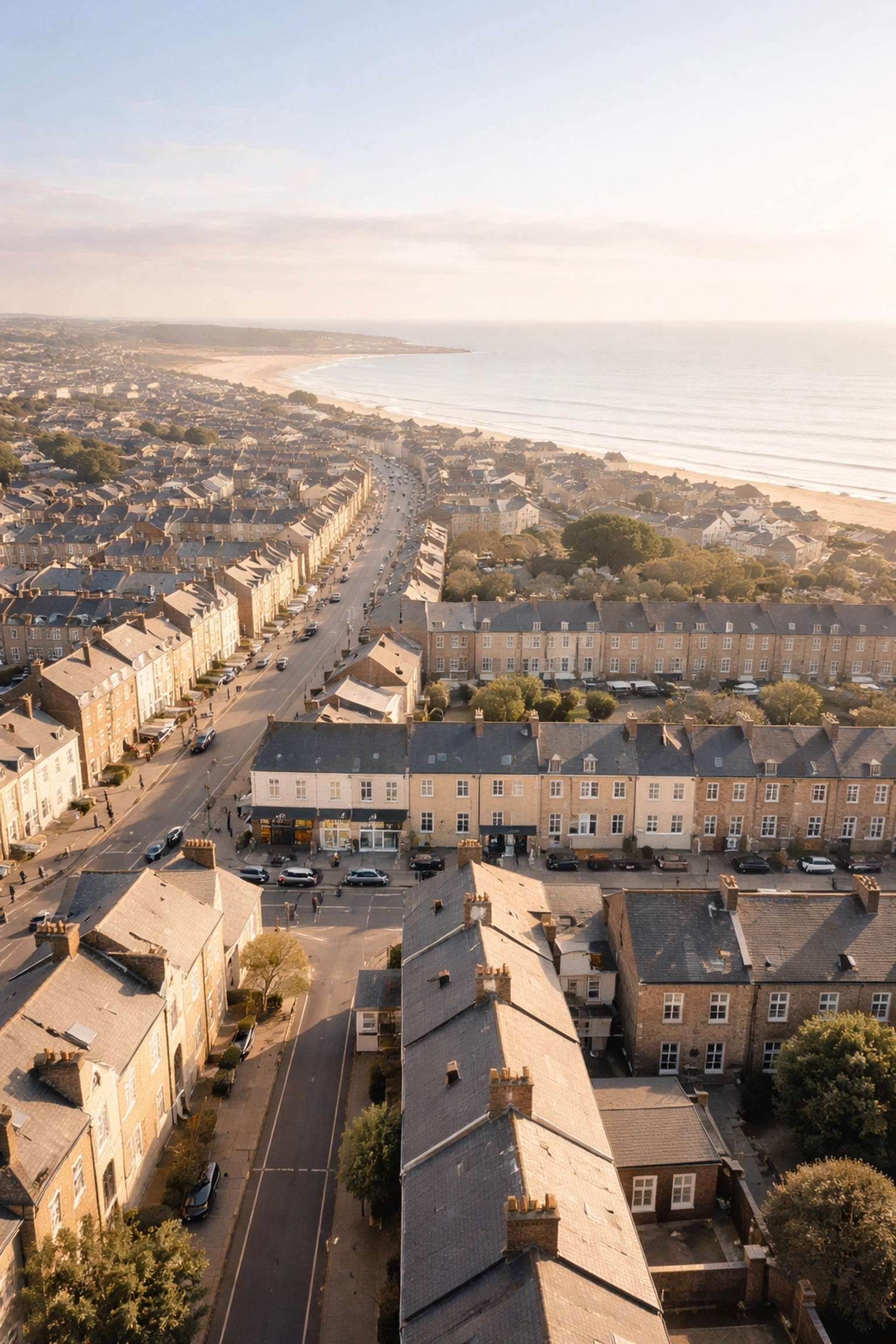
First: People want to know you're local. If someone in Murton is looking for a gardener, they want a gardener who actually works in Murton. If your website doesn't mention it, they might assume you're miles away and move on.
Second: Google pays attention to this stuff. When someone searches "electrician near me" or "web design Seaham," Google looks at the words on your website to figure out if you're relevant. If you never mention the towns you serve, you're basically invisible for those searches.
Quick Checklist: Location Clarity
- Does your homepage mention the main towns you serve?
- Is your full address (or at least your area) in the footer?
- Do you have a Google Business Profile set up and linked?
- Does your "About" page mention your local roots?
You don't need to stuff your website full of place names , that looks spammy and Google doesn't like it either. But a clear, natural mention of the areas you cover? That helps everyone.
Putting It All Together
So there you have it. Three signs your website might be quietly turning customers away:
- Phone number buried or missing from the top of the page , make it obvious and tappable.
- Slow loading on mobile , check your speed score and sort out those heavy images.
- No clear mention of your location , tell people (and Google) that you serve Seaham, Murton, Peterlee, and the surrounding area.
None of these are complicated fixes. You don't need to rebuild your whole website or spend a fortune. Sometimes it's just about moving a phone number, shrinking some photos, or adding a sentence about where you work.
A Simple 5-Minute Website Health Check
Before you close this tab and get on with your day, why not run through this quick checklist? Grab your phone and load up your own website like a customer would.
Ask yourself:
- Can I see the phone number straight away without scrolling?
- Can I tap it to make a call?
- Does the page load quickly, or am I waiting around?
- Is it obvious this business serves my local area?
- Would I actually call this company based on what I'm seeing?
If you're answering "no" to any of those, you've just found something worth fixing.
Need a Hand?
If any of this has made you look at your website a bit differently, that's a good thing. Spotting the problem is always the first step.
And if you'd like someone local to take a look and give you an honest opinion : no jargon, no pressure : you're welcome to get in touch. I'm based right here in the SR7 area and I'm always happy to have a chat about what might help.
But honestly? Even if you just use this checklist to make a few tweaks yourself, you'll be ahead of a lot of local businesses who've never thought about this stuff.
Good luck ; and here's to a few more calls coming through.
Leave a Reply