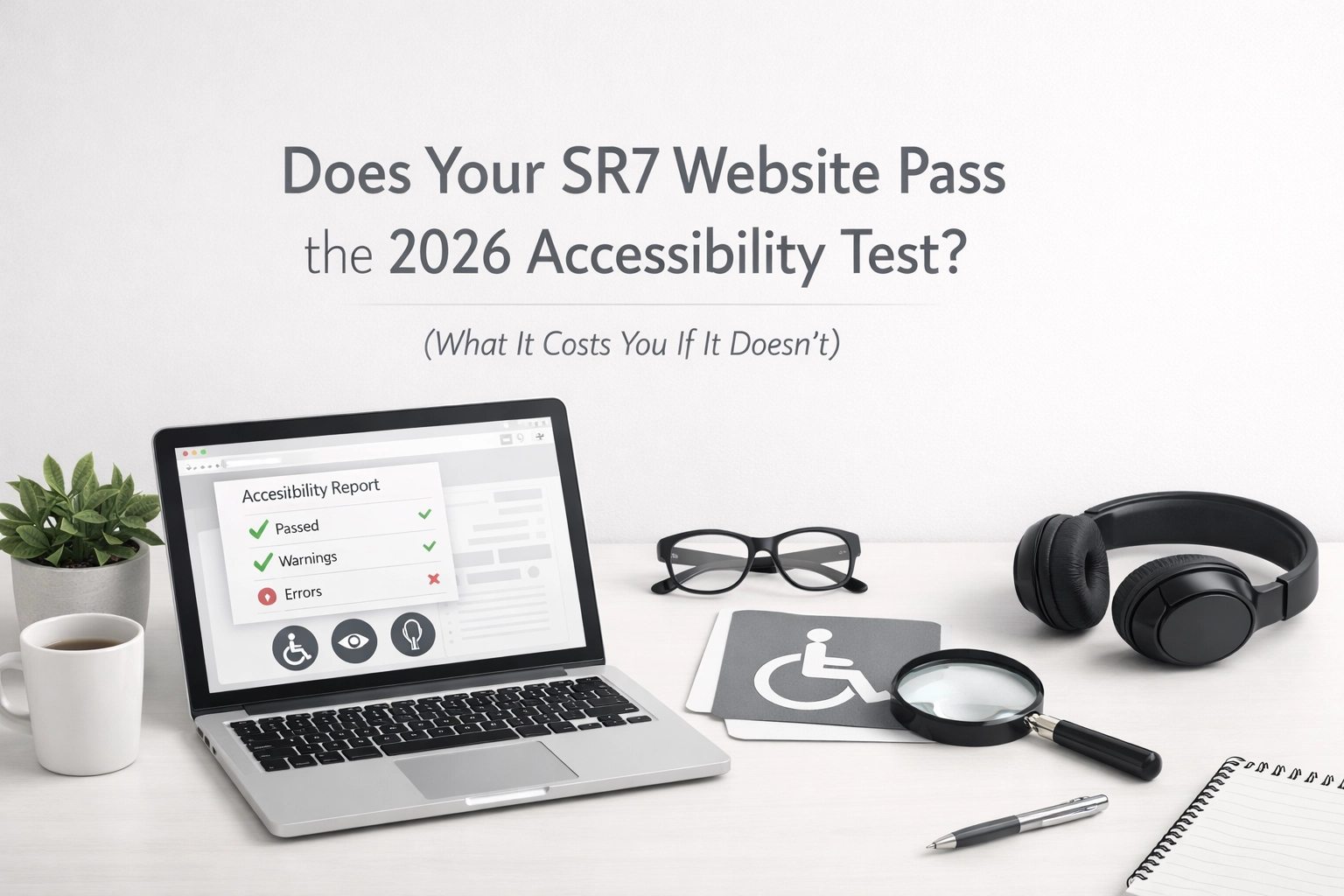
Right, let's talk about website accessibility. And before your eyes glaze over thinking this is "just for the council" or "only big companies need to worry about this", you're wrong.
If you've got a business website in Seaham, Sunderland, Durham, or anywhere in the North East, accessibility affects you. And by 2026, it's going to matter a lot more than it does now.
I'm not here to bore you with legal speak or scare you into paying for something you don't need. This is the honest breakdown: what accessibility actually means for your small business, why 2026 is the deadline everyone's talking about, and what happens if you ignore it.
What Does "Accessibility" Actually Mean?
Forget the corporate jargon for a second. Website accessibility just means making sure your site works for everyone, including people who use screen readers, can't see certain colours, struggle with small text, or navigate using a keyboard instead of a mouse.
Think about it: someone in Seaham with vision problems trying to book your services. Or a tradesperson in Sunderland with arthritis who can't use a standard mouse. Or a potential customer in Durham who's colourblind and can't read your green text on a red background (yes, people still do that).
If your website doesn't work for them, they're gone. They'll ring your competitor instead.
This isn't about ticking boxes for the government. It's about not losing customers because your website's a pain to use.

Why 2026 Is the Year That Matters
Here's the thing: April 2026 is when accessibility standards (called WCAG 2.1 Level AA, if you want to get technical) become legally enforceable for a lot more businesses and organisations.
Government websites and public sector bodies have had to comply for years. But now, the net's widening. And even if you're not legally required to comply as a small business, ignoring accessibility is still a risky move.
Why?
Because the Department of Justice in the States has already started investigating non-compliant websites. And while UK law isn't quite as aggressive yet, it's heading that way. More importantly, your customers are already noticing when your site's hard to use.
You don't want to be the business that loses enquiries because someone couldn't read your phone number or click your contact button.
What It Actually Costs You If You Fail
Let's get specific. Here's what happens when your website fails the accessibility test:
1. You Lose Customers (The Biggest Cost)
Around 1 in 5 people in the UK have some form of disability. That's 20% of your potential customer base who might struggle with your site if it's not accessible.
In practical terms: if 100 people visit your website in a month, 20 of them might bounce straight off because they can't read your text, navigate your menu, or understand your images.
That's lost calls. Lost enquiries. Lost business.
And here's the kicker, they won't tell you why. They'll just leave and find someone else.
2. You Look Out of Touch
Accessibility isn't a "nice to have" anymore. It's expected. Especially in 2026.
If your website looks like it was built in 2012 (tiny text, clunky navigation, no mobile optimisation), customers assume you're out of touch with modern standards. And if you're behind on this, what else are you behind on?
First impressions matter. A website that ignores accessibility sends the message: "We don't care about all our customers."
3. Potential Legal Headaches
Yes, there's a legal risk. Even for small businesses.
In the UK, the Equality Act 2010 already requires businesses to make "reasonable adjustments" for disabled customers. If your website is impossible to use with a screen reader or keyboard, you could technically be in breach.
Now, I'm not saying you're going to get sued tomorrow. But the trend is clear: businesses are being held accountable for inaccessible websites. And even if you don't end up in court, dealing with complaints and bad reviews isn't fun.
Why risk it?
4. Google Doesn't Like It Either
Here's something a lot of businesses miss: accessibility overlaps with good SEO.
Google wants to rank websites that work well for everyone. If your site's got poor contrast, messy navigation, or missing image descriptions, that hurts your search rankings.
So you're not just losing customers who can't use your site, you're also losing visibility on Google. Double whammy.
How to Check If Your Site Passes the Test
Alright, enough doom and gloom. Let's talk about what you can actually do.
Here's a quick checklist to see if your SR7 website is up to scratch:
1. Can You Navigate It Without a Mouse?
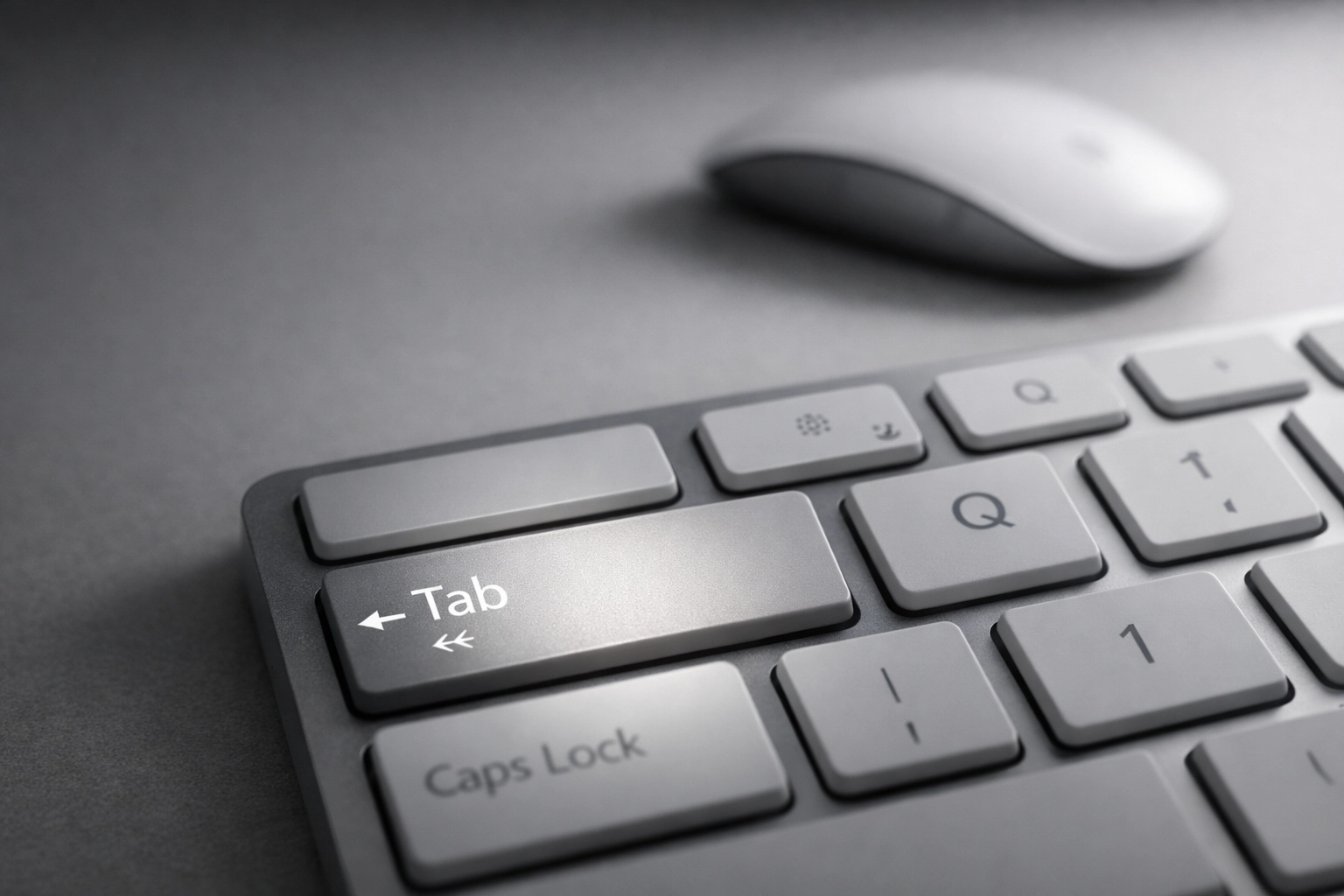
Unplug your mouse. Try using just the keyboard (Tab key to move around, Enter to click). Can you get to every page? Can you fill out your contact form?
If not, you've got a problem.
2. Is Your Text Big Enough and Clear Enough?
Zoom in to 200%. Is your text still readable? Does it overlap or disappear off the screen?
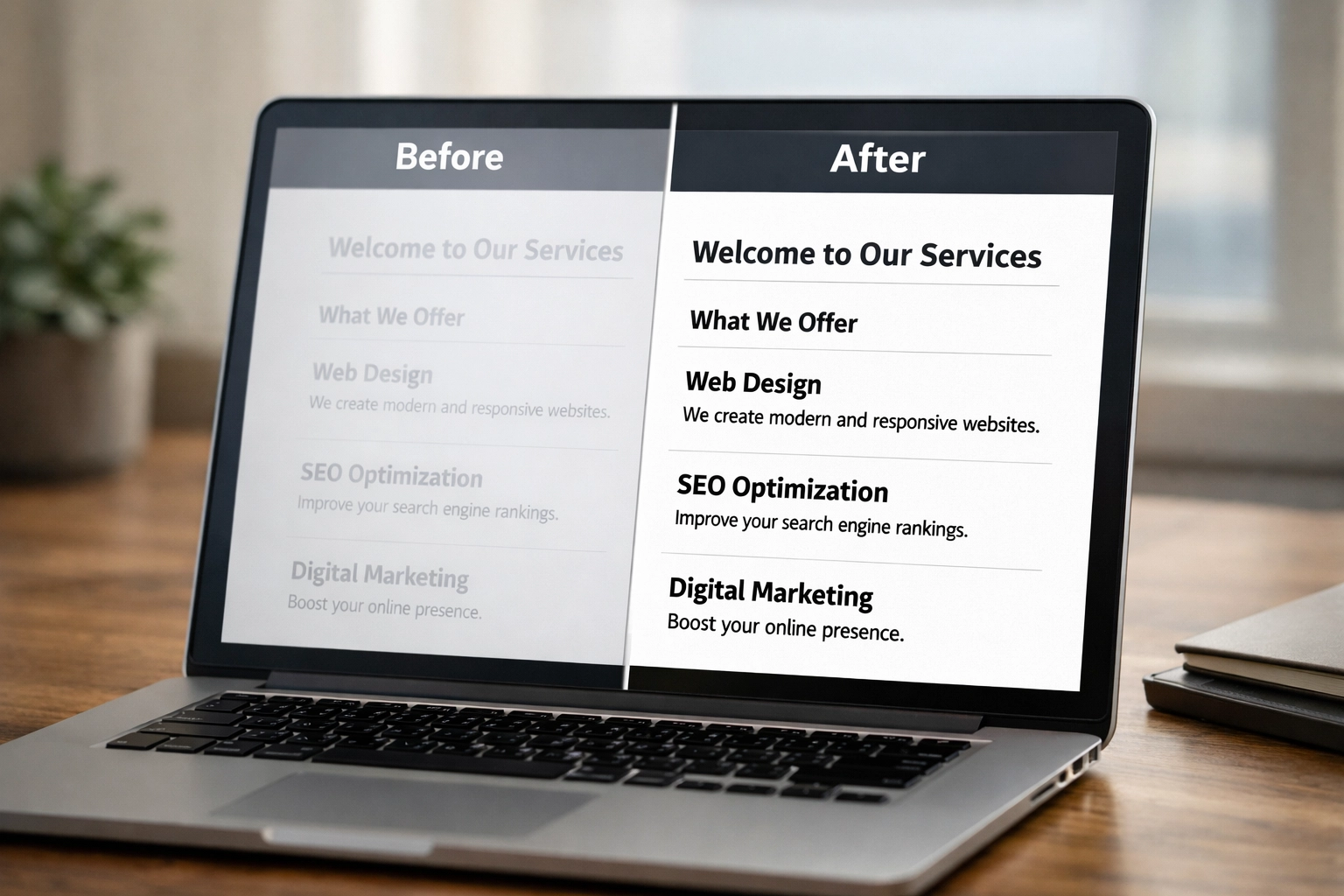
Also, check your colour contrast. Light grey text on a white background might look "sleek," but it's unreadable for a lot of people.
There are free tools online (like the WebAIM Contrast Checker) that'll tell you if your colours pass the test. Use them.
3. Do Your Images Have Descriptions?
Every image on your website should have what's called "alt text": a short description that screen readers can read out loud.
If someone can't see your photo of a finished bathroom renovation, the alt text should say something like: "Modern bathroom renovation in Seaham with walk-in shower and grey tiles."
Not: "IMG_1234.jpg."
This is basic stuff, but you'd be shocked how many websites get it wrong.
4. Can People Actually Use Your Forms?
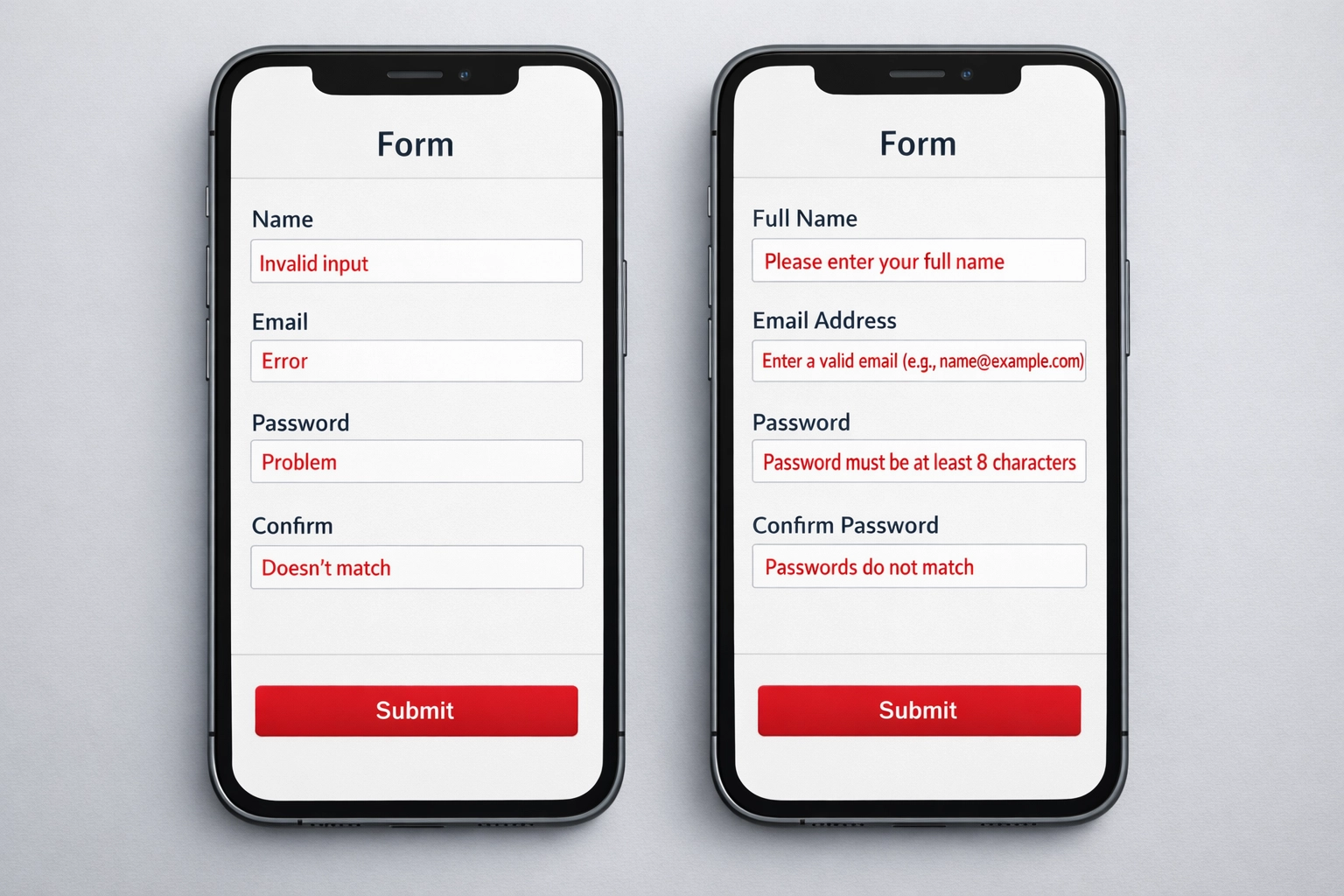
If your contact form doesn't have clear labels, or if error messages are vague ("Error: invalid input"), you're making life hard for everyone: not just people with disabilities.
Test your forms. Make sure they're clear, simple, and actually tell people what went wrong if they make a mistake.
5. Are Your Videos Captioned?
Got a video on your homepage showing off your work? Great. But does it have captions or a transcript?
Not everyone can hear the audio. And honestly, most people watch videos on mute anyway (especially on phones in public). Captions help everyone.
What SR7 Web Design Actually Does About This
Here's where I put my cards on the table.
When we build websites for North East businesses, accessibility isn't an "optional extra" we charge you for. It's just how we build sites. Because it makes sense.
We don't overcomplicate it. We don't use it as an upsell. We just make sure your text is readable, your navigation works properly, and your site doesn't exclude 20% of your potential customers.
If you've already got a website and you're not sure if it's accessible, we can run a quick audit. No pressure, no sales pitch. Just an honest answer about where you stand.
Because the goal here isn't to scare you into spending money. It's to make sure your website actually works for the people who want to use it.
The Bottom Line
Website accessibility isn't some distant thing you can ignore until 2026. It's affecting your business now: whether you realise it or not.
Every week, potential customers are visiting your site and leaving because they can't read your text, navigate your menu, or fill out your contact form. You're losing enquiries, and you don't even know it.
The 2026 deadline is just the legal side of things. The real cost is the customers you're already missing out on.
So here's the honest advice: check your website. Run through the checklist above. If you spot problems, fix them. And if you're not sure where to start, get someone who knows what they're doing to take a look.
It doesn't have to be complicated. And it doesn't have to cost a fortune.
But ignoring it? That's the expensive option.
If you want a straight answer about where your SR7 website stands, drop us a message. We'll tell you the truth: even if that truth is "your site's fine, you don't need to change anything."
Because that's how we work. No fluff, no upselling. Just honest web design for North East businesses who want a website that actually works.
Leave a Reply