The Simple Trick to Make Your North East Business Website Look More Trustworthy (A Practical Checklist)
By George · 25 January 2026


Let's be honest: when someone in Seaham, Sunderland, Durham, or anywhere else in the North East is looking for a local service, they’re not just comparing prices. They’re trying to work out whether you’re legit.
And they decide fast. Like, seconds fast.
So instead of this being a “we’ve already nailed it” kind of post, here’s a practical how-to checklist you can use to make your own site look trustworthy. It’s also the standard we help our clients get in place (without the jargon and without turning your website into a full-time hobby).
The Simple Trick (That Most Sites Still Miss): Show Real Customer Reviews
If you only do one thing from this list, do this.
Most small business websites in the North East either:
- don’t show reviews on the site at all, or
- hide them on a “Testimonials” page nobody ever visits
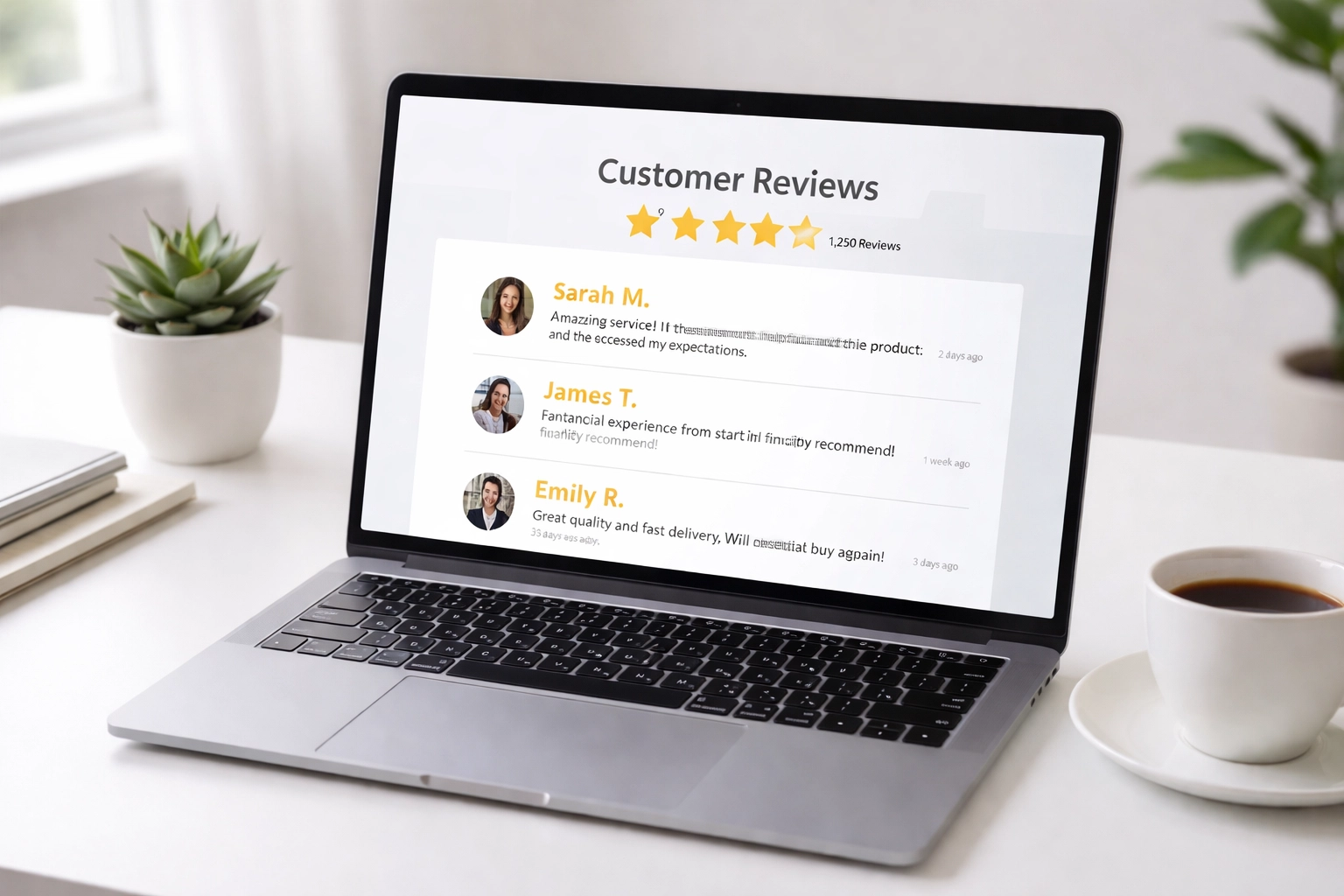
People trust other people more than they trust business claims. And if someone’s trying to choose between you and two competitors, visible reviews can be the difference between getting the call… or getting ignored.
Reviews Checklist (What You Should Have)
- At least a handful of recent reviews (even better if they’re consistently coming in)
- Specific reviews that mention what you did (not just “great service”)
- Location hints where appropriate (“Seaham”, “Peterlee”, “Houghton-le-Spring”, etc.)
- Reviews shown on key pages (not buried)
How to Add Reviews to Your Website (Properly)
Here’s a straightforward approach that works for most local businesses.
1) Gather Reviews From Wherever They Already Live
You might have reviews spread across Google, Facebook, Yell, Checkatrade, industry sites, or even emails/texts from customers.
Your goal: collect your best and most relevant ones so your website visitors don’t have to go hunting.
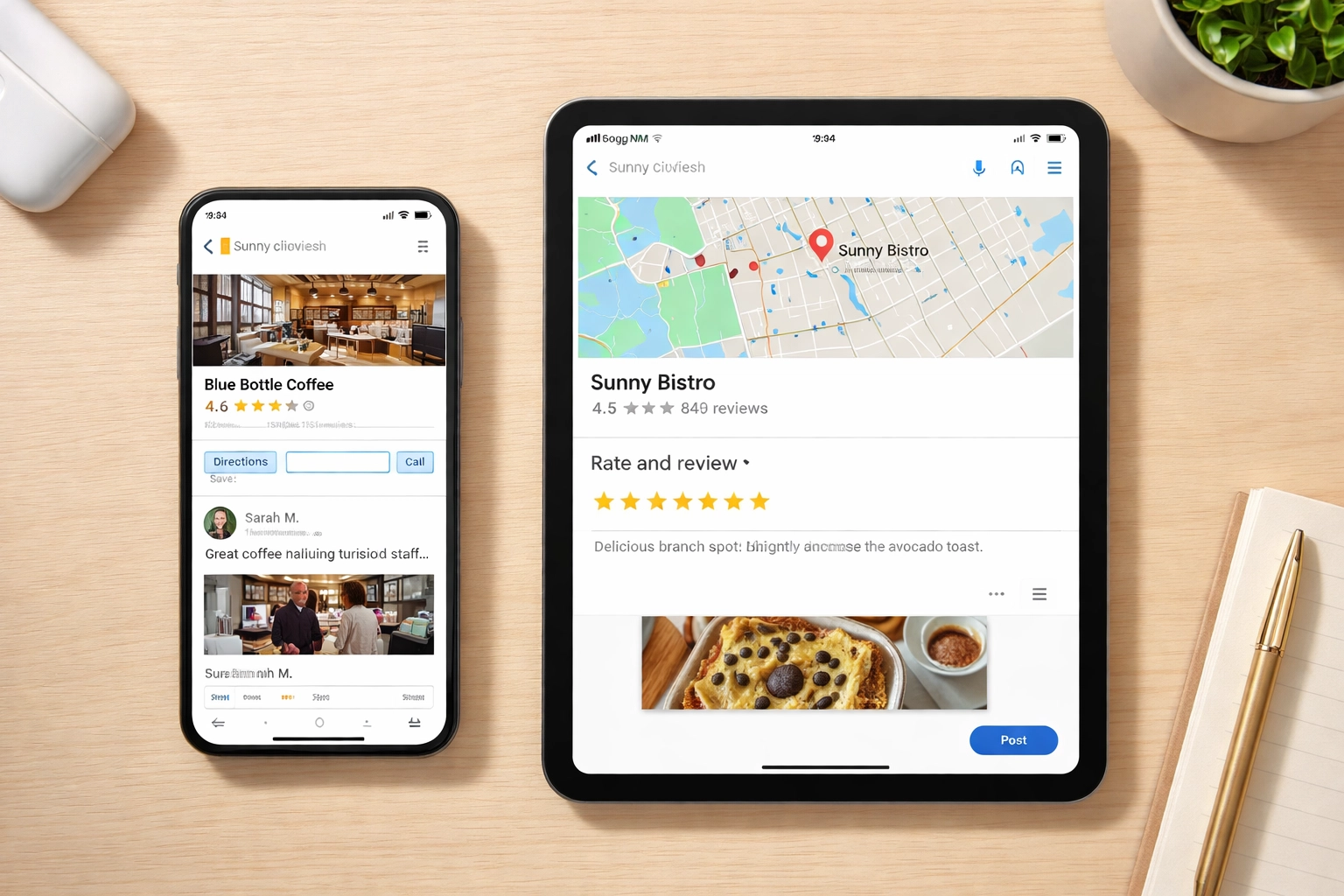
2) Put Reviews Where People Will Actually See Them
Skip the “Testimonials” link in the footer as your only plan.
Place reviews:
- On your homepage (near the top is ideal)
- On your service pages (reviews that match that service)
- Near your contact form (right before someone decides to message/call)
3) Keep Them Fresh (So Your Site Doesn’t Look Abandoned)
If the newest review is from ages ago, it sends the wrong signal.
You don’t need hundreds overnight—just aim for a steady trickle and update what’s shown now and then.
4) Use Real Names/Details Where Possible
Compare:
- “Great service! : J.S.”
- “Brilliant job on our new patio. Turned up when they said, cleaned up after, and the price was exactly what was quoted. : Janet, Seaham”
Specific = believable.
Other Quick Wins for Building Trust (Checklist Style)
Reviews are the big one. But these next bits are the “quiet” trust builders that stop people bouncing. If you’re working through your website, use this as your quick audit list.
Make Sure You’ve Got HTTPS (The Padlock)
Quick check: look at your website address in the browser.
- Starts with
https:// - Shows a padlock icon (and doesn’t warn people your site is “Not Secure”)
If you’re missing this, some visitors will leave straight away. It’s one of those small details that quietly screams “this business is looked after.”

Display Clear Contact Details (Everywhere)
This sounds obvious, but loads of local sites still make you work to find a phone number.
Checklist:
- Phone number visible on every page (header or footer)
- Email address that looks professional (a proper domain email helps)
- Address / service area clearly stated (especially if you cover places like Seaham, Peterlee, Easington, Sunderland, Durham, etc.)
- Opening hours if you have them (even rough hours help)
The idea is simple: if someone can’t quickly see how to contact you, they’ll contact someone else.
Use Local Photos (Or At Least Real Ones), Not Random Stock
Nothing says “generic” like the same stock handshake photo every other site uses.
Checklist:
- A real photo of you/your team (even if it’s just one person)
- Real photos of your work/products
- Local hints where it makes sense (your van, your shopfront, a familiar spot nearby)
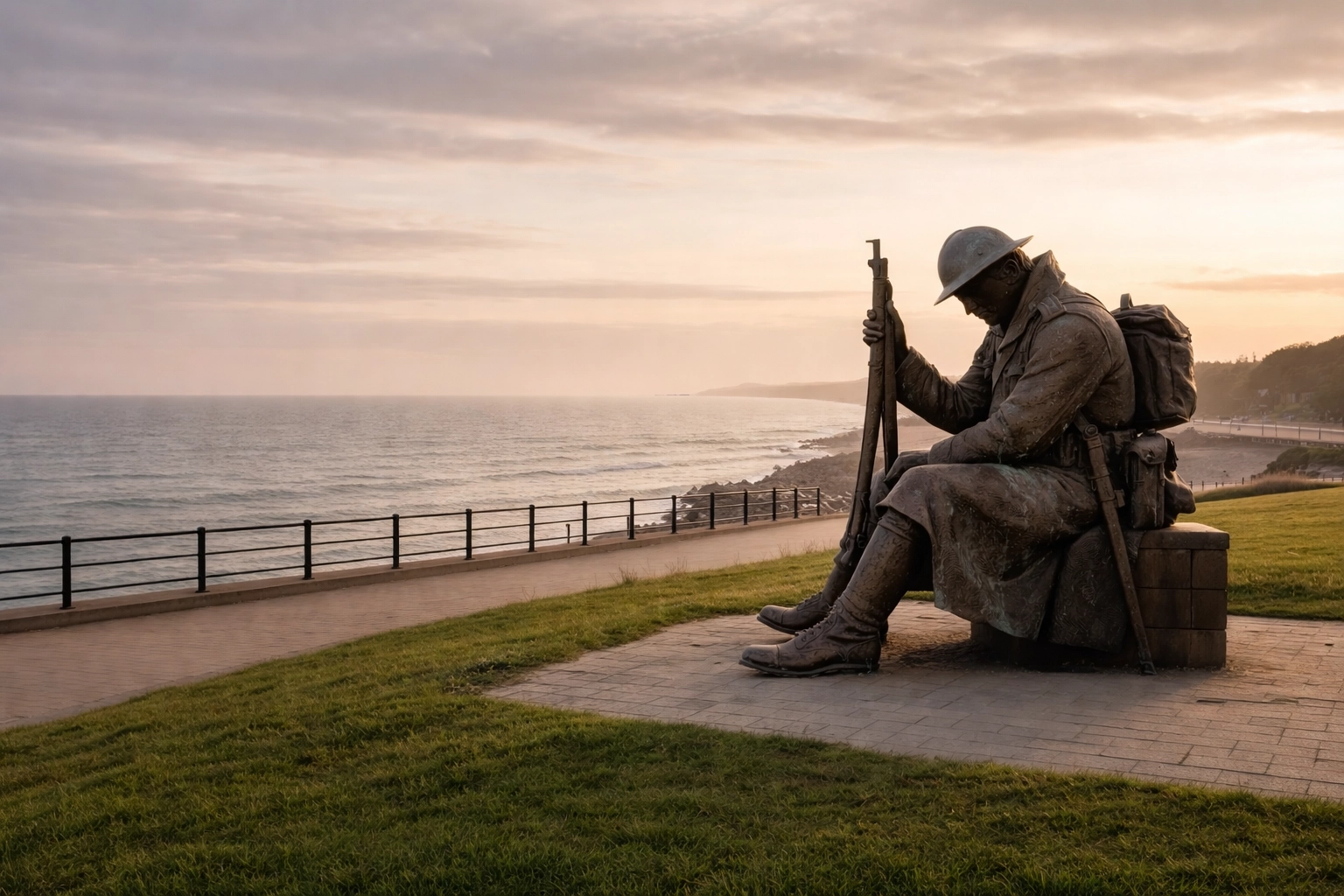
You don’t need a professional photoshoot to start. A few clear, well-lit, real photos beat “perfect” stock images every time.
Keep Your Design Clean and Up to Date (Does It Feel Like This Decade?)
You don’t need fancy animations. You do need a website that feels cared for.
Checklist:
- Easy-to-read text (not tiny, not faint)
- Not cluttered (people can find stuff quickly)
- Works properly on mobile (buttons, menus, forms)
- Pages load without feeling slow
If your site looks outdated or awkward on a phone, people often assume the business will be the same.
Why This Matters Even More for North East Businesses
The North East is a close-knit place. People talk. Recommendations matter. If someone in Murton has a good experience with a local business, their mate in Easington will hear about it.
Your website should reflect that same local trust. When someone lands on your site, they should quickly feel:
- you’re real
- you’re local (or at least genuinely serving the area)
- other people have used you and were happy
- it’s easy to contact you
That’s what reviews, real photos, and clear contact details do. It all adds up to trust.
The Bottom Line
You don’t need to rebuild your entire website to look more trustworthy. Small changes usually make the biggest difference.
If you want a simple order to tackle it in:
- Sort reviews (collect them, place them on key pages, keep them current)
- Check the basics (HTTPS/padlock + clear contact info)
- Swap generic stock for real/local photos
- Tidy the design so it’s clean and mobile-friendly
If you’d like a hand working through this checklist (or you want someone to just sort it properly), get in touch with SR7 Web Design. This is the standard we help local businesses across the North East achieve—straightforward, no jargon, and focused on turning visits into enquiries.
Get a quote
Tell me what you do and what you need. I'll come back to you with a straight answer and a price.
- Phone07538 227194
- Emailinfo@sr7webdesign.co.uk